Your recordings. Your branding.
Your recordings deserve a polished viewing experience. Share investor pitches, client demos, and walkthroughs with your logo, colors, and more. Then see how viewers engaged, so you can follow up with context.
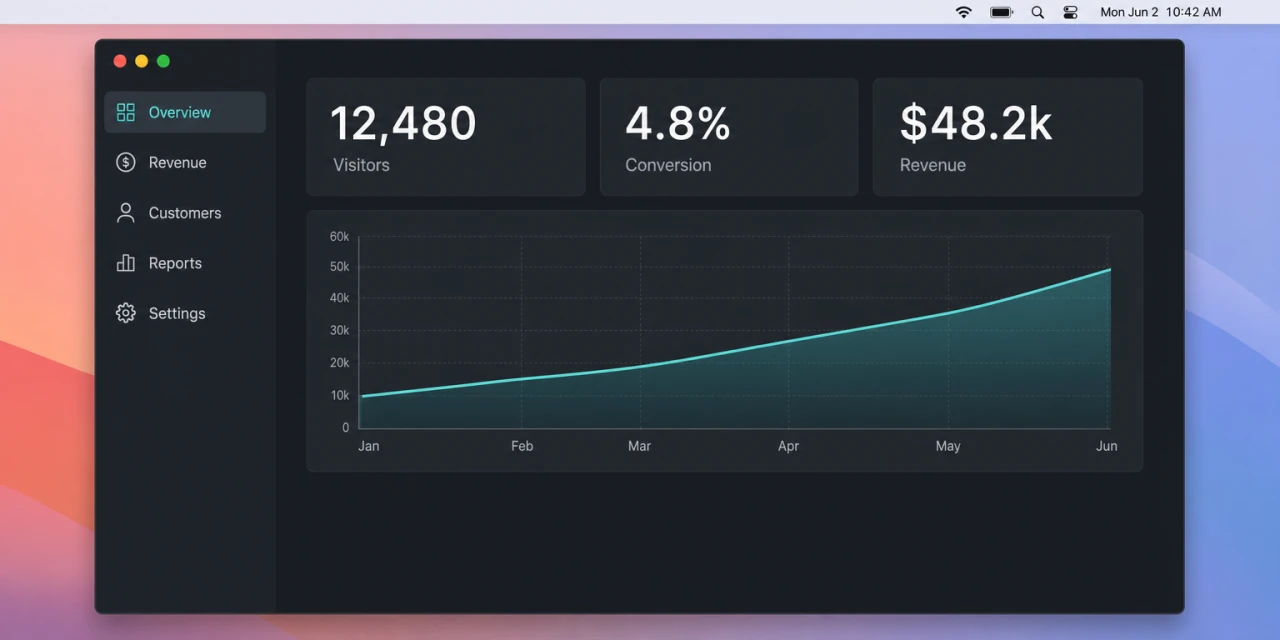
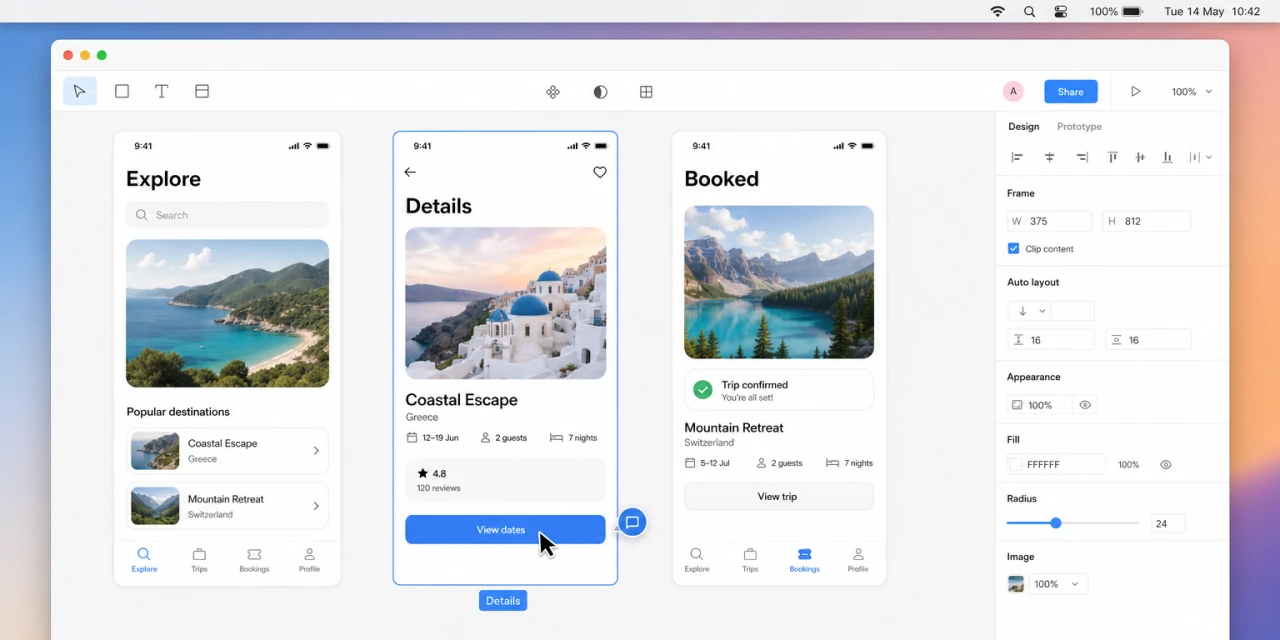
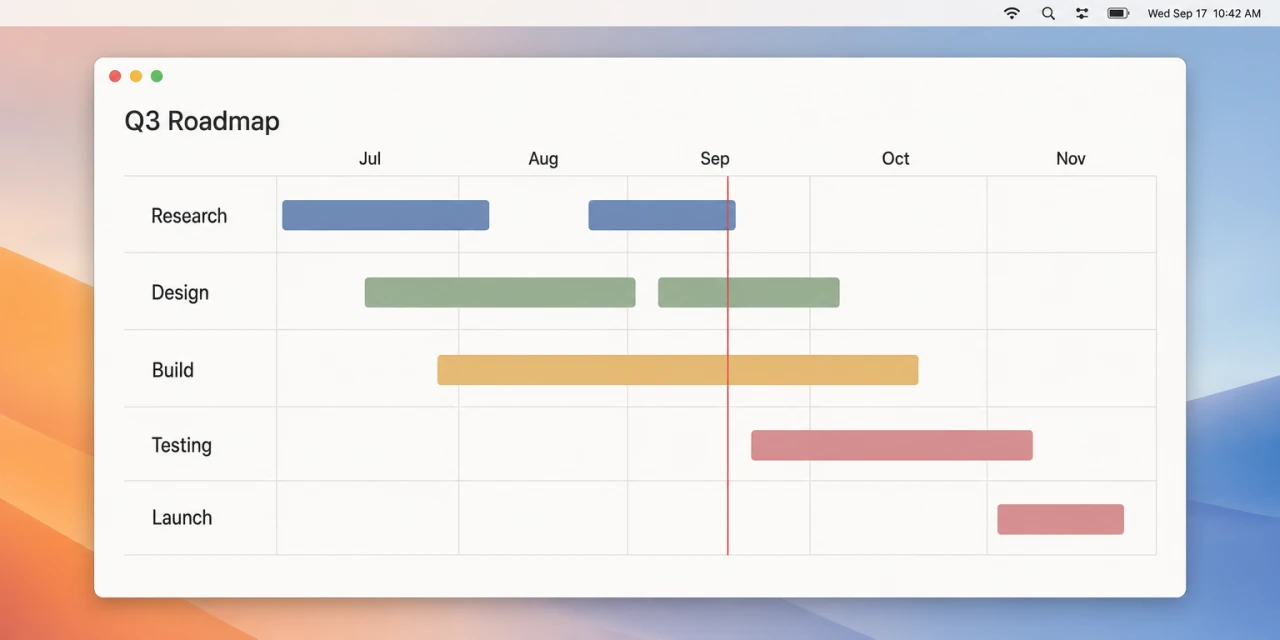
Sprint demo, checkout flow
It's 2026. Your screen recorder should do more.
Recording your screen is the easy part. Your viewers deserve a great playback experience, too. Level up your videos with your own personal Spots for a world-class experience on both sides.
Make watchSpot
your "Spot"
Where most screen recorders have terrible playback experiences, watchSpot offers customizable "Spots" where you can apply your brand colors, logo, and more. Pro users get unlimited Spots, perfect for separating personal from business use, companies with multiple brands, and consultants working with multiple clients.
A free plan with room to explain
Free includes unlimited recordings up to 30 minutes each, a Spot of your own, 10 GB of storage, and transcripts, captions, and chapters. Pro extends recordings to an hour and storage to 100 GB.
Fine-tune your video content
watchSpot provides in-depth analytics on what your viewers watched, how much they saw, what they replayed, and more, and can even notify you when a video is watched. You can even add call-to-action buttons to give viewers an easy way to engage with you or schedule a follow-up call.
Customizable playback pages, for a professional, bespoke experience.
You put on a nice shirt for an investor call - your video player should, too. Customize your Spot with your brand name, colors, logo, backlinks, and more. For a truly bespoke experience, configure a custom domain so your users stay on your domain, and never see watchSpot in the URL.
Give client-facing recordings a home that feels like theirs. Match the experience to their brand, guide viewers to the right next step, and share confidently knowing every touchpoint feels intentional.
Make every recording feel like a natural extension of your company. From product walkthroughs to customer updates, viewers get a polished, branded experience that keeps the focus on you, not the tool you used to record it.
Not every recording belongs to a company or client. Give personal projects, quick shares, and everything in between their own space and identity - without changing how you record or share.
Your own branded, searchable, measured library for $8 a month.
Free is the way to start: an email address and about a minute puts your first link out the door, and the app is the full app. Pro is $8 a month, or $72 for the year, and it turns what you record into a library of your own, with your brand on every page, links that stay up, a title and a transcript on each one, and a record of who watched. It is less than any other plan we can find that puts your logo and colours on the page your viewers open.
Free
For getting a recording in front of someone today.
No card, and the app is the full app.
- Unlimited recordings and screenshots
- Recordings up to 30 minutes
- Transcripts, captions, and chapters
- A spot of your own, with its name, logo, and colours
- Crop, arrows, text, and blur on screenshots
- 10 GB of storage
- The share link on your clipboard every time
Free links stay up for three days.
Pro
For the work that goes out with your name on it.
Billed every month, and you can stop whenever you like.
- Your logo, colours, footer, and call to action on every share page
- Links that stay up for as long as you want them
- A title suggested from what you said, on every recording
- Who watched, how far they got, and where they stopped
- Unlimited spots, each with a look of its own
- Recordings up to an hour, and 100 GB of storage
- Password links, and a personal greeting for the person you sent it to
- Coming next: custom domains, seek hotspots, and the online editor
Team plans come later. Pro carries one person and up to twenty spots in the meantime.
The things worth knowing before you pick.
How do I put my own branding on a screen recording link?
Every recording files to a spot, and the share page wears that spot’s name, logo, accent colour, footer line, call to action button, and link back to your website. Pro carries up to twenty spots, so client work, company work, and personal work each look like themselves, and moving a recording between them re-dresses the page it already lives on.
Which screen recorder writes a transcript and suggests a title?
This one. Every video comes back with a transcript, captions on the player, and chapters, on both plans, and Pro reads the recording and proposes a title in your own words so the thing you sent is not called by a date and a time. A written summary of each recording is next.
How do I see who watched a video link, and how far they got?
The app tells you the moment someone opens one of your links, and the stats behind each recording show who watched, how much they saw, and where they stopped, with a heatmap across the timeline. Seek hotspots, the moments people rewind to, and a timeline per viewer are coming next.
Can I use my own domain for my video links?
Custom domains are next on the Pro list, and Loom does not sell one at any price. Everything else about the brand is live today, so until then your pages carry your name, logo, colours, footer, and call to action on a watchspot.app address.
Do viewers need an account to watch?
They open the link and it plays, in any browser, on a phone as readily as on a laptop, with captions and chapters already in place. When you would rather choose your audience, Pro puts a password on any link, and a personalized greeting on the page for the person you sent it to.
Can I cancel my plan?
Whenever you like, from your account. Pro runs to the end of the period you have already paid for, and the account goes back to Free after that.
Put a light on your screen.
watchSpot runs from the menu bar and the link is ready as you stop.
Download Now